Why local AI

Your AI shouldn't need
your data in the cloud.

Cloud caption apps upload your video before their AI can hear a word. OpaCaptions brings the AI to your footage instead: Whisper runs on your own PC, so the video, the audio and the transcript never leave it.

PrivacyNothing to leakClient work, patients, students, unreleased launches: none of it is uploaded, so there's nothing to breach, sell or train AI on.
Money$49, onceTypical caption apps charge $15–$69 a month, every month. Pro pays for itself in a few months, with no credits and no per-minute fees.
TimeNo upload waitA 1 GB video takes about 7 minutes to upload on a 20 Mbps connection before a cloud app can even start. On your PC, captioning starts the moment you open the file.
ReliabilityNo queue, no outageNobody else's servers to wait for or go down. Once the speech model is on your PC, captioning works offline, on a plane or on a locked-down network.

Private by architecture.
Not by policy.

Every cloud caption app has to upload your video before it can caption it. OpaCaptions runs on your own processor, so there's nothing for us to store, share, leak or train on. Follow the journey and decide which one you'd trust.

Typical cloud caption app

Your video takes a trip.

  1. Uploaded in full, faces, voices and all, to servers you don't control.
  2. Stored for as long as their retention policy says, sometimes in another country.
  3. Processed by their AI, which can include third-party AI providers.
  4. Governed by their terms, which can change, and may allow using content to improve their service.
  5. Exposed to anything that happens to them: breaches, staff access, subpoenas, shutdowns.
You're trusting a privacy policy.
OpaCaptions

Your video stays home.

  1. Opened straight from your drive. Nothing is sent anywhere.
  2. Transcribed by Whisper AI running on your own processor.
  3. Captioned and rendered locally, frame by frame.
  4. Saved to your folder: MP4, SRT, VTT and transcript.
  5. Forgotten by us, because we never had it in the first place.
You're trusting your own hardware. That's it.

Everything we ever see.
It's a short list.

Stays on your PC

  • Your video and audio
  • Faces and voices
  • Transcripts and captions
  • File names and folders

Reaches us

  • Email addressfor your download and receipts
  • Licence keyto activate the app
  • Anonymous device IDto count the PCs on your plan

Prove it in 30 seconds

Turn on airplane mode, then caption a video.

Once it's installed, try it for real.

Built for sensitive footage

For footage that
can't leave the building.

If you'd think twice before uploading it, caption it with OpaCaptions.

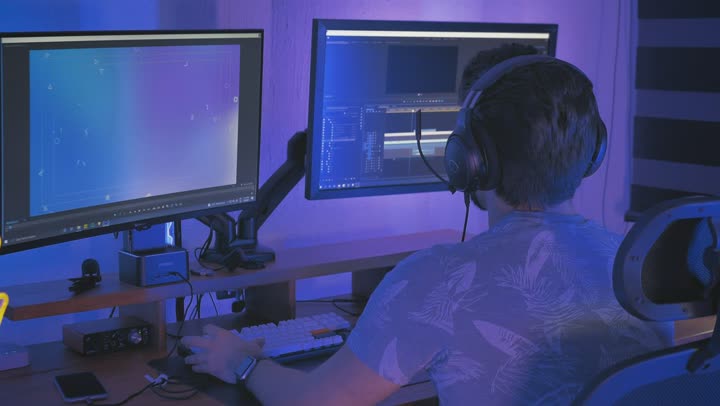
A video editor at two monitors

Agencies & freelancers

Client footage under NDA stays on your machine, so there's no extra company handling it to declare to your clients.

A scientist in a lab coat at a microscope

Healthcare & therapy

Patient education and training videos, where faces and voices must stay private.

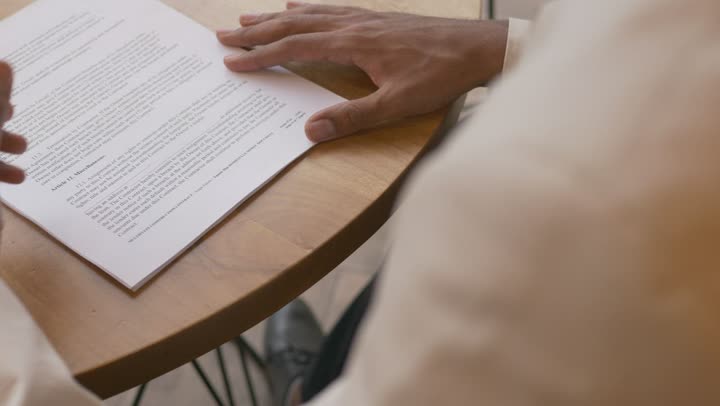
Hands reviewing a contract

Legal & HR

Investigations, depositions and compliance training, captioned without the recording ever leaving your PC.

A teacher explaining equations at a blackboard

Schools & universities

Lectures and classroom recordings with students, including minors, on camera.

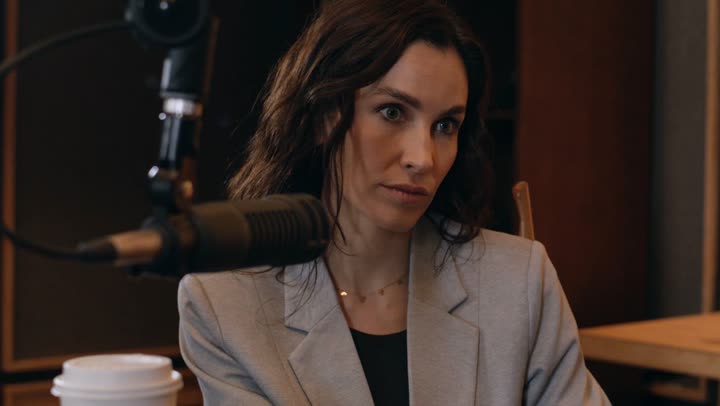
An interview at a studio microphone

Journalists & documentary

Interviews with sources and unpublished stories stay with you until the moment you choose to publish.

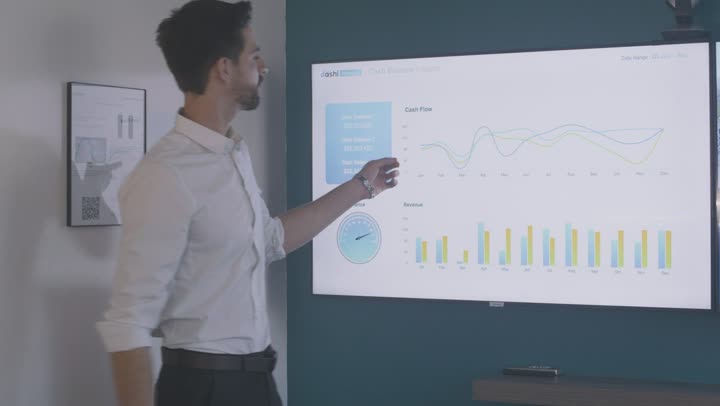
A presenter showing launch charts

Product & marketing teams

Unreleased launches and embargoed announcements never sit on someone else's server.

Because your footage is never sent to us or any AI provider, there's no third party processing your video. That makes NDA, GDPR, UK GDPR and HIPAA obligations simpler to meet. Always confirm with your own compliance team.

Keep your footage where it belongs. Start free, upgrade when you're ready.

Get early accessSee pricing